.svg)
.svg)
April 2026 product release

Listen to this blog as a podcast

.avif)
March Madness delivered the drama & April Fools' is behind us, but there's nothing foolish about what shipped in February & March. The automation engine got a serious upgrade — the planner is smarter, the communicator is clearer, and deadlocks that could stall ticket resolution are gone. We also shipped a complete device maintenance mode, brought Application Management to general availability, and gave Jira a round of improvements that analysts have been asking for.
Here's the quick rundown:
- Request queue redesign — "Assigned to Me" default, accurate counts, better filters
- Playbook Templates — can now be enabled and disabled
- Application Management GA — Added bulk updates, Entra discovery
- Device maintenance mode — toggle, auto-exit on health pass
- Jira & ServiceNow — create ticket skill, configurable auditing, assignment status
Platform & features
Application Management goes GA
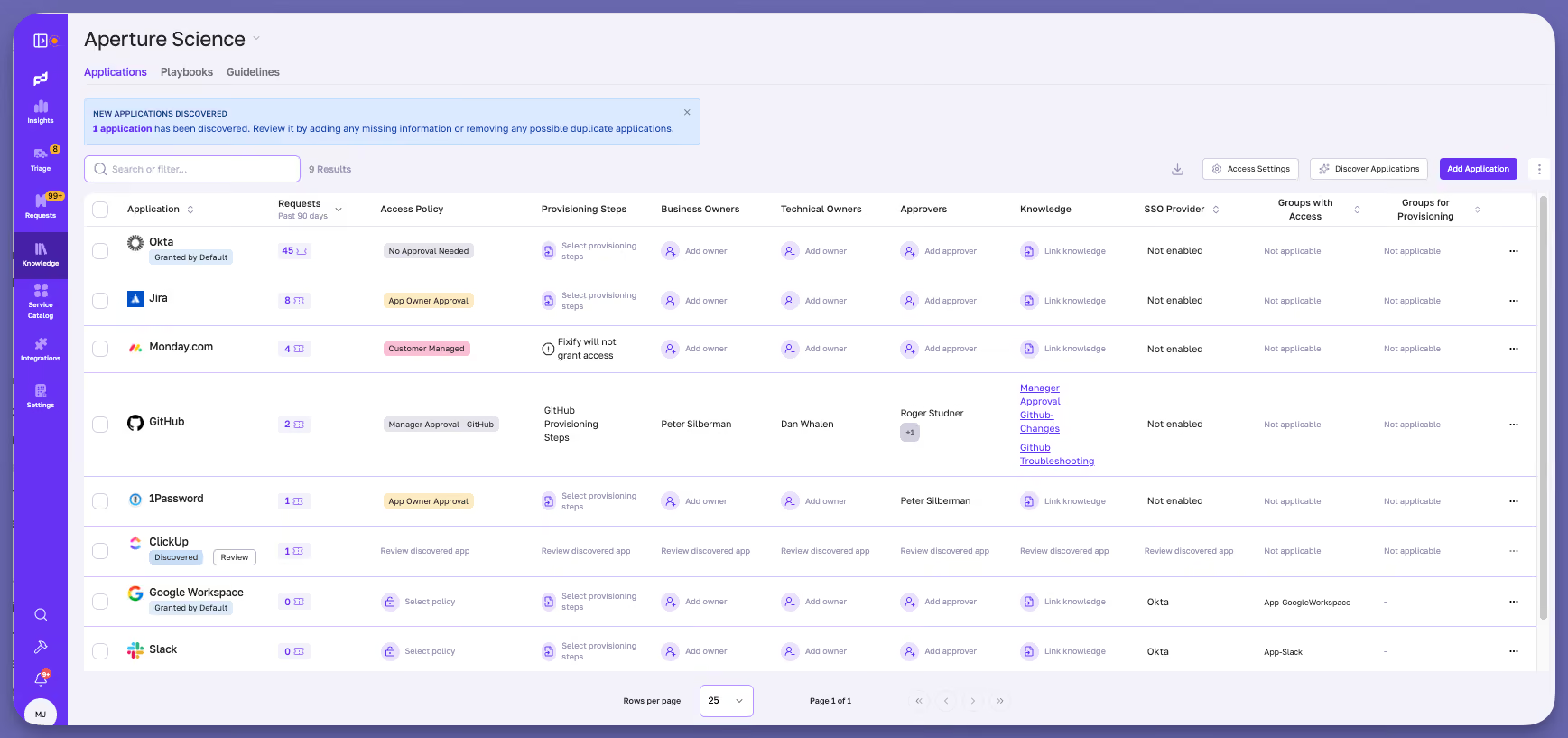
Application Management is now available to all organizations. This is the foundation for how Fixify handles access requests going forward. Your analysts and admins now have a complete catalog of IT-managed applications — with Access Policies and Provisioning Steps. Analysts see app-level status tags on requests, can click app references to jump straight to the catalog, and can filter by policy type or customer-managed status. We’ve added application-to-request history linking so analysts can see which requests touched which apps, and a bulk update UI for owners and approvers. Entra integration drives application discovery, and MS-365 devices surface in the discover applications modal.
Playbook state
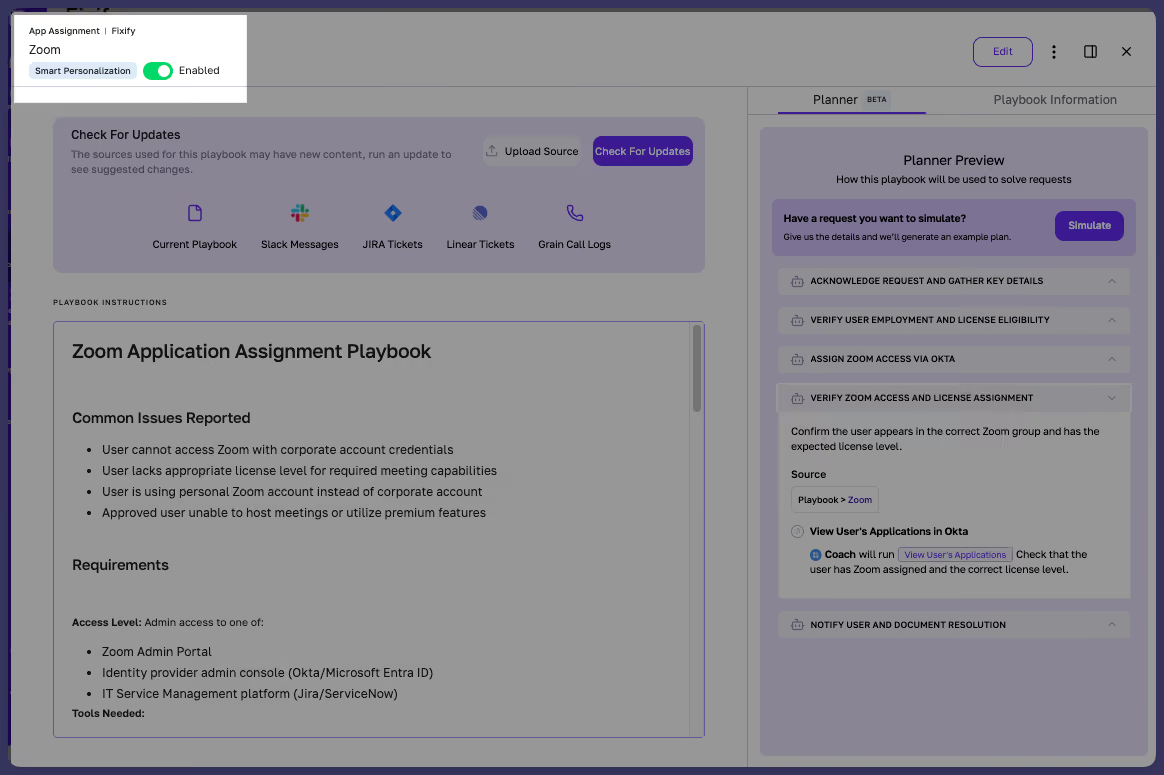
Now, customers have the option to enable and disable Playbooks directly in the product. Drafting a Playbook? If it’s not ready for prime time, simply mark it as disabled. Then flip to enabled when it’s ready for action.
Request queue redesign
The request queue now opens to "Assigned to Me" by default — no more blank-state confusion. Queue counts and quick filters are accurate & all is right with the world because … math.
Multi-user presence
A new feature in the Request Queue UX makes it clear when someone else is lurking in the request you’re working on so you don’t bump heads — preventing duplicate work!
Automation: Simulator, Planner, and Replanner
Simulator and Planner are live and usable by our customers. If you need to update a playbook, you can now simulate how that change will reflect in Fixify’s automation — giving you control and assurance.
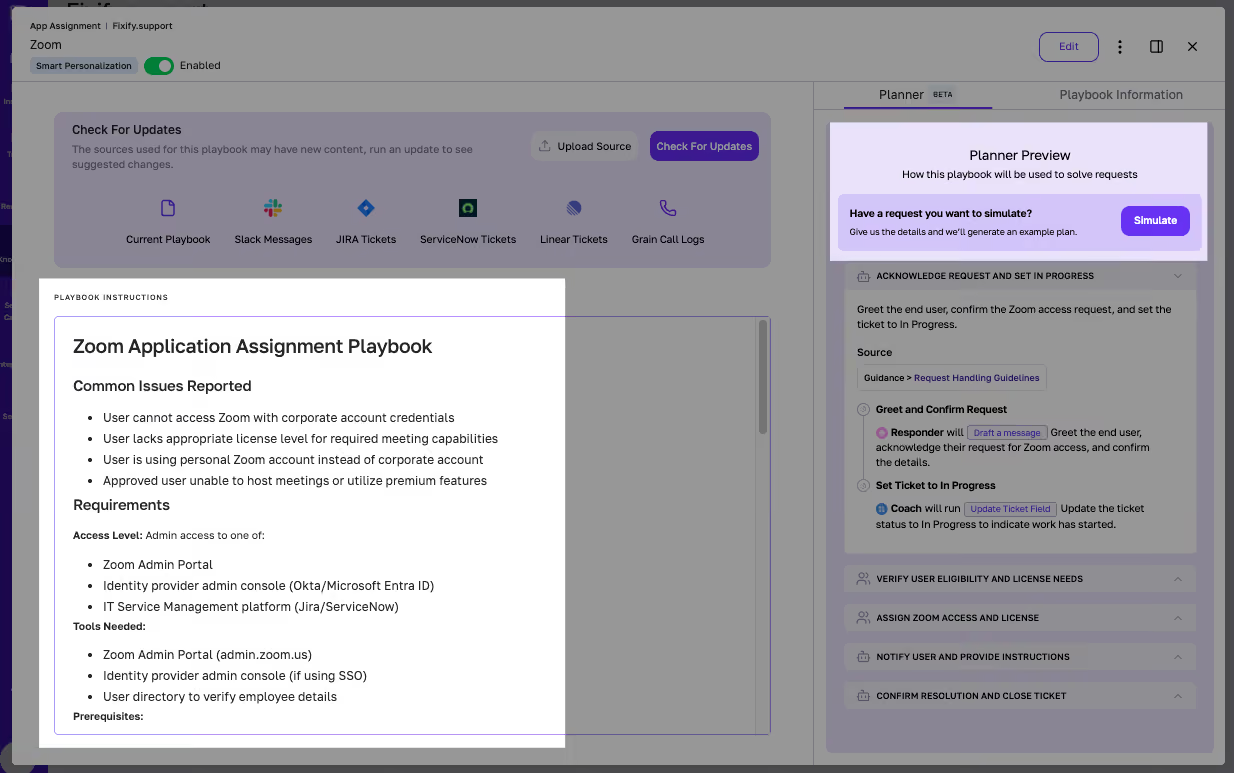
The Planner got some major upgrades:
- The communication agent now pulls in full request context so Planner takes into account the details already in the ticket
- Inbound ticket status sync means external status changes flow into Fixify plans automatically
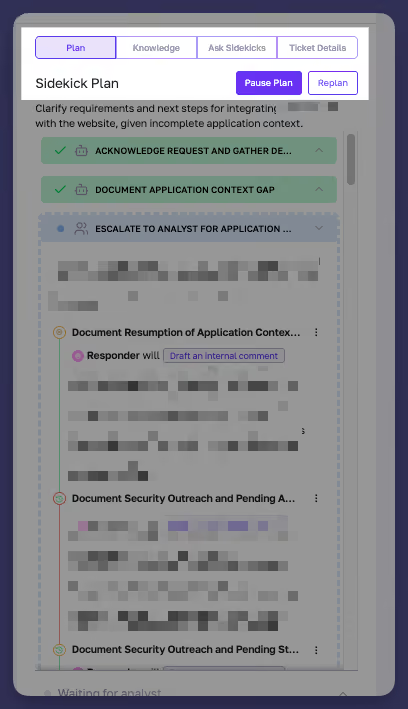
- The Planner gained replanning capability — analysts can trigger a Replan when a request changes mid-flight
Automatic ticket status syncing
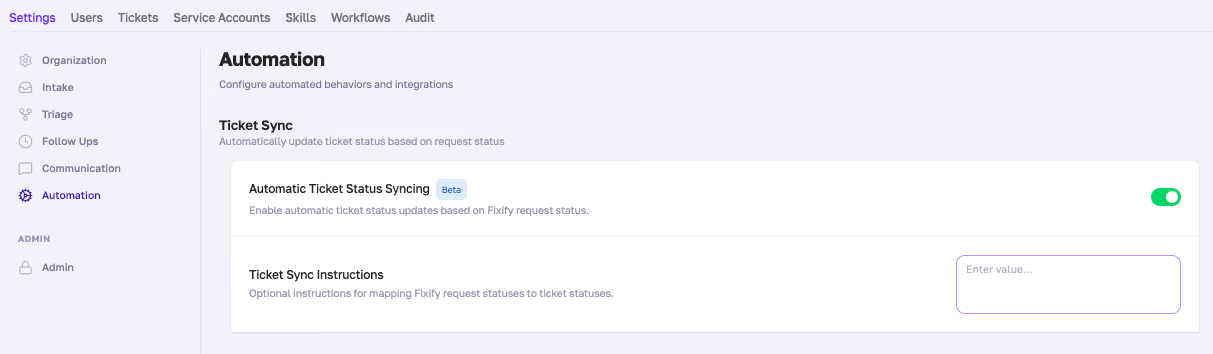
We’ve added some AI power to syncing tickets and request statuses — so the system updates the source ITSM as the ticket is worked on in the Fixify app. This feature is turned on by default — optionally, customers can add context in the Settings, Automation page (e.g., never use this status, always set the next status as X) if your statuses are nuanced.
Knowledge Hub performance
Loading Knowledge Hub status in the UI used to take a bunch of API calls. We’ve streamlined that down to 1 API call which results in faster performance of the Knowledge Hub pages.
Device maintenance mode
A complete maintenance mode feature for devices. You can toggle it from the device health checks page or the integrations list, and health check failures for that device get suppressed in Sentry with two-tier tagging. When a critical health check passes, maintenance mode auto-exits. The device model, SDK types, and API all support the new field.
Integrations
ServiceNow: New skills and reliability
We added three new ServiceNow skills:
- Search and retrieve knowledge articles in one operation
- Triage-out tickets directly to the correct group
- Ingest individual SNOW tickets on demand
ServiceNow auditing for the source Fixify agent is now configurable per customer onboarding.
Okta: Better error handling
When group membership operations fail because of admin role restrictions, Fixify now detects the admin status and tells the analyst why instead of providing a generic error.
Jira integration improvements
Analysts can now create Jira tickets directly from Fixify — a new skill that joins the existing update and comment capabilities. The generic message poster is re-enabled (feature flagged), Jira API key expiry now triggers health checks and Sentry alerts, and outbound comments with bold formatting no longer fail. Priority type updates and duplicate skill cleanup round out a solid month for Jira.
Multi-Google-domain support
Fixify now handles multiple Google domains within a single configuration.
Configurable daily health checks
Configurable check intervals per integration so high-priority integrations can poll more frequently.
Help desk experience
Ask Sidekicks: Markdown and app context
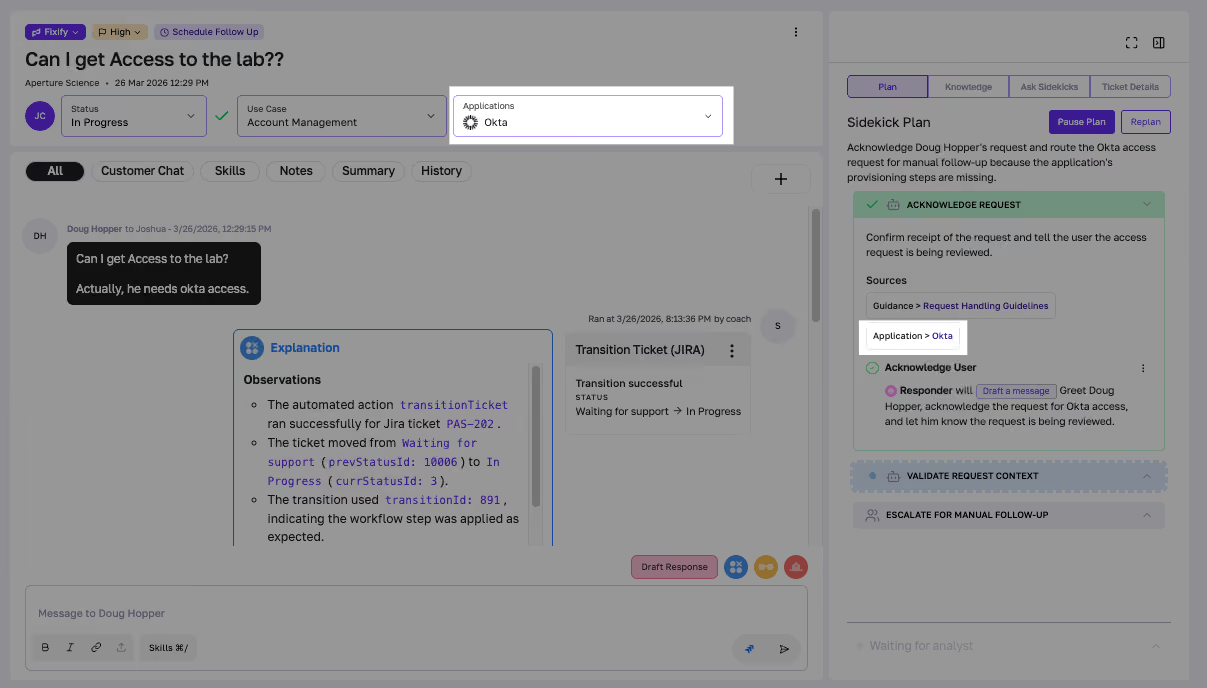
Ask Sidekicks responses now render as properly formatted markdown — lists, headers, and code blocks display correctly instead of raw text. App context gives Sidekicks AI awareness of which applications are relevant. Response formatting is more consistent, and sidekick variants now self-describe which context they have access to.
Ticket creation with attachments
Attachments now flow through ticket creation and comment workflows end-to-end. The createTicket skill includes attachments in the created ticket, SNOW comment creation can ship attachments, and a note is added so the recipient knows files are attached. Available in ServiceNow and Halo PSA.
Covered in Highlights: Automation Planner, Application Management GA, Playbook Templates, and Multi-User Presence.
That's a wrap for April — a milestone month. Application Management hit GA, the automation engine leveled up, and the request queue is smarter and faster than ever. As always, keep the feedback coming — it shapes everything we ship next.
Related articles
.avif)
Fixify Quality Control: The backbone of reliable IT


Help desk ideas: How to fix (almost) all your IT support woes


What are the steps in sentiment analysis? A guide to understanding text-based insights

Stay in the loop

Sign up to get notified about our latest news and blogs